

Price:
(as of Feb 26, 2026 22:19:32 UTC – Details)

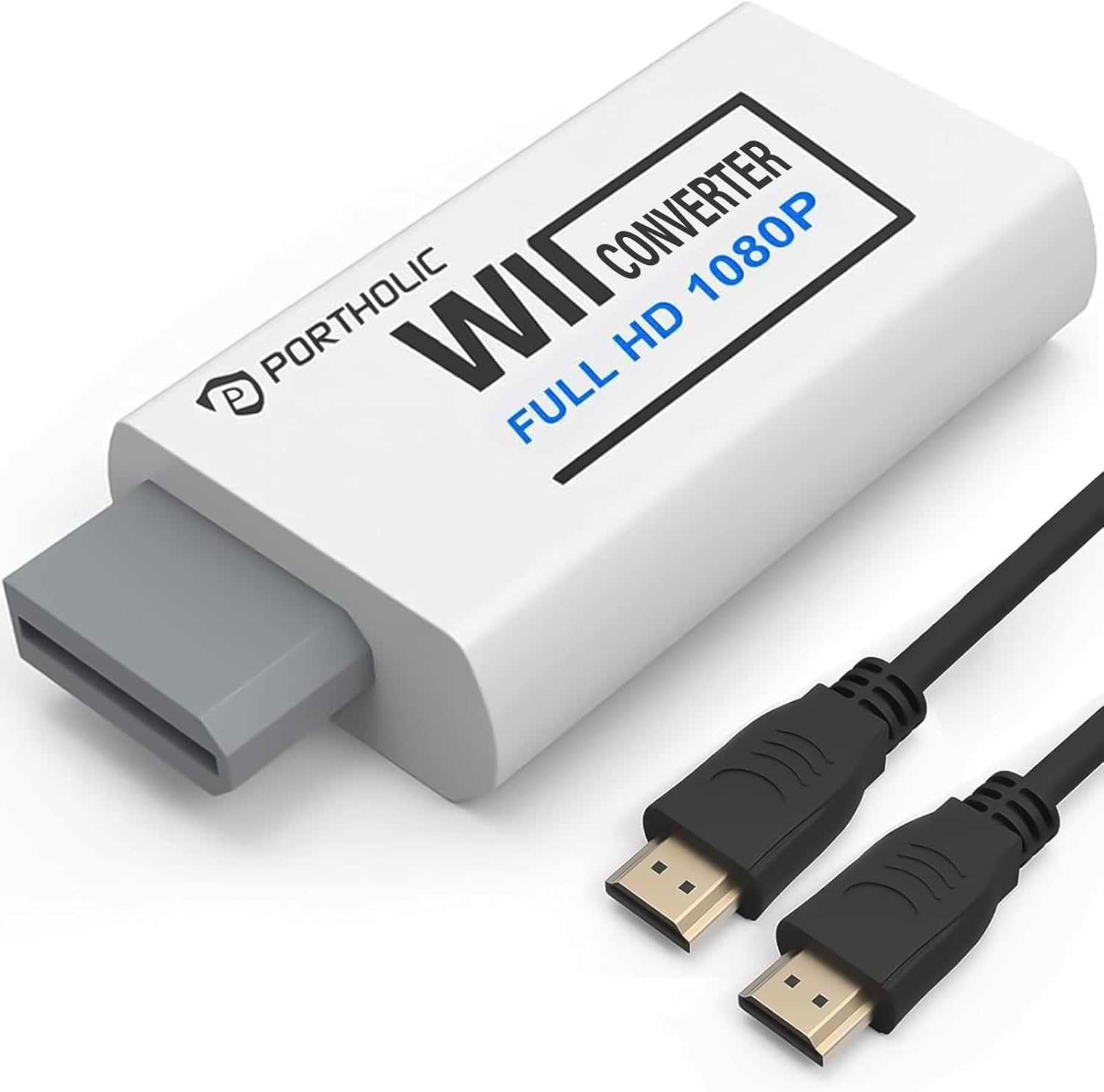
The PORTHOLIC Wii to HDMI Converter offers a compact and lightweight solution for Wii owners looking to modernize their gaming setup without replacing their console. Right away, the adapter impresses with its physical design: at just 6 x 3 x 1.9cm, it’s genuinely small enough to sit nearly flush against the Wii’s backside—smaller, in fact, than a standard Zippo lighter. This minimal footprint makes it extremely unobtrusive, keeping setups clean and manageable and helping avoid cable clutter.
Setup is as straightforward as it gets. The plug-and-play nature means you don’t have to wrestle with drivers or navigate menus. Connecting the adapter to your Wii’s proprietary AV port and running the single HDMI output to your display results in a quick, hassle-free transition. The fact that there’s no installation or software configuration is ideal for users who just want to play immediately without technical hurdles. The process is such that in just a few minutes you’re up and running.
Video quality is important for those stepping into HD gaming, and PORTHOLIC markets this device as supporting full HD 1080P output. While the Wii itself is locked to lower internal resolutions, the adapter is optimized for rendering standard Wii output at sharper clarity and providing a more stable image than older composite or component cables. All standard Wii display modes are supported—720p over HDMI, NTSC, as well as 480i and 480p—so in theory, the adapter works across all game content, including classics and homebrew titles. One caveat noted by the manufacturer is that some TVs automatically default to 480i, and not all games are compatible with this output. For these titles, you may need to manually switch your Wii’s settings to 480p for proper display. There’s also a limitation to keep in mind: the adapter isn’t compatible with any switch or splitter, only direct HDMI connections, and it won’t work with the Wii Mini.
The inclusion of a 3.5mm audio jack is both thoughtful and practical. While HDMI carries audio, this additional port means you can directly connect a speaker or headphones—handy if your display lacks built-in speakers or if you prefer to keep late-night gaming private without disturbing others. The ability to slip on headphones without needing an extra audio extraction box adds unexpected convenience.
The value proposition is strong. For less than $10 on most platforms, the adapter delivers genuine usability gains: clearer video output over older cables, reduced cable mess thanks to its single-cable design, and straightforward operation. The fact it’s so easy to set up removes any intimidation factor for less tech-savvy users as well.
On the customer support side, PORTHOLIC stands behind the product with 24/7 assistance for issues like display problems (for example, wavy lines or no audio). This responsive service is reassuring for a low-cost electronics item.
If there’s an area for improvement, it’s the need to sometimes tweak system settings and the lack of support for more advanced features like 4K pass-through (which the Wii can’t provide anyway). The reliance on direct HDMI connection without the ability to daisy-chain through switches could also limit flexibility in some entertainment setups.
In sum, the PORTHOLIC Wii to HDMI Converter does a simple job exceptionally well. It modernizes the Wii’s video output with minimal effort or space requirements, supports all display modes reliably, and its compact size is a real spatial benefit. Provided you set the correct resolution for specific games and connect it directly to your display, it’s an affordable way to extend your Wii’s life without sacrificing too much in image quality or convenience.
